Can I interest you in a NAS in these trying times? It's $146 off for Prime Day and I really like mine
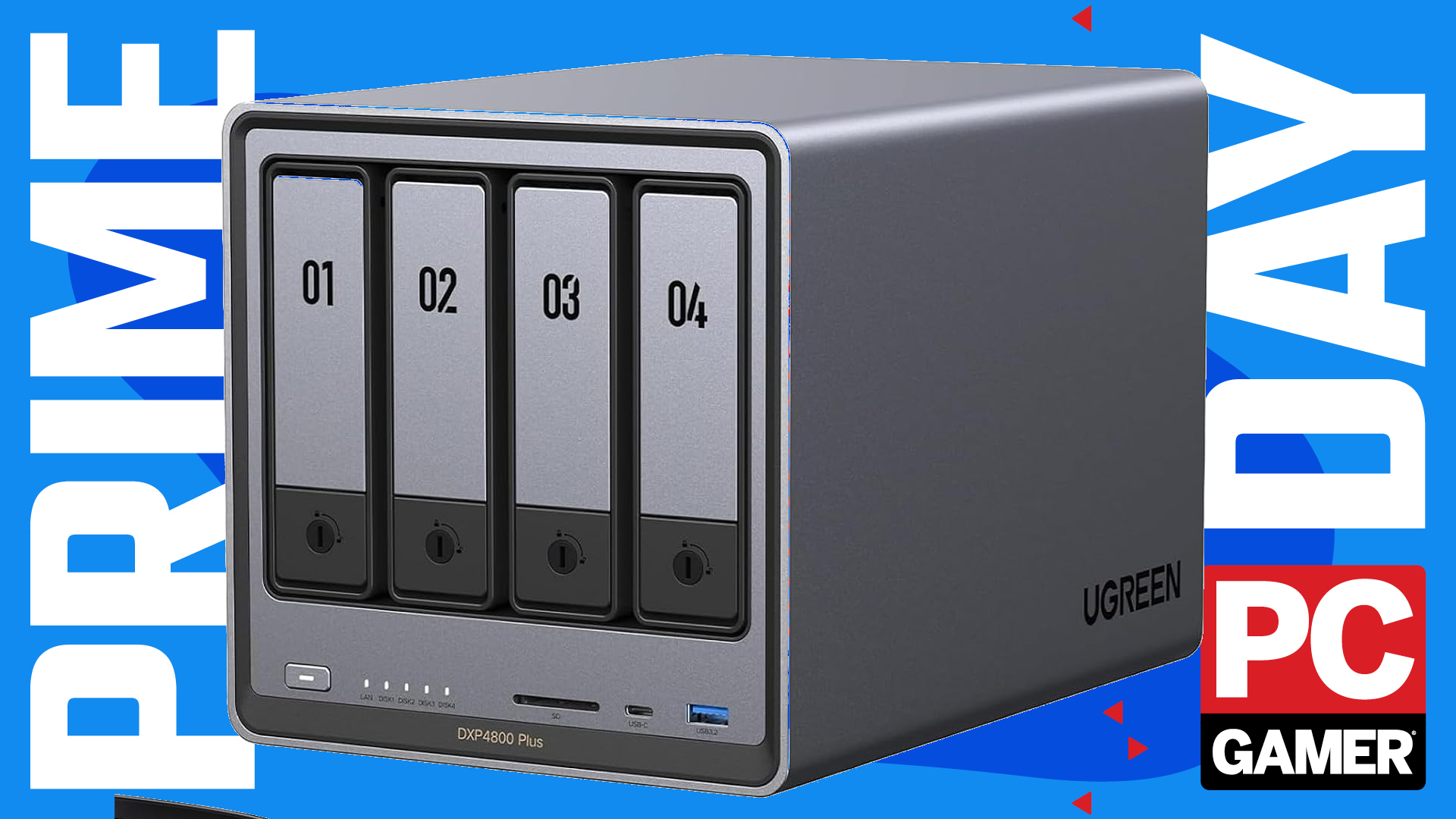
Visit my house, and I'll tell you all about my NAS. I don't mind if you tune out halfway through, I've got lots to say about Jellyfin, Tailscale, and Docker. I just want to talk to someone, anyone, about my NAS. Please, my NAS.
Here's a good deal on my NAS. Well, not my NAS. One extremely similar to it. The Ugreen DXP4800 Plus. Now down to $584 at Amazon for Prime Day. This deal drops it to a price we've only seen a handful of times so far this year. It's usually well over $600.
- We're curating all the best Prime Day PC gaming deals here
This is a 4-bay model, meaning you can stuff four HDDs into it. Those are sold separately, and I'm yet to see any deals on those—they're affected by the ongoing memory crisis, unfortunately. You can purchase a 4 TB Seagate IronWolf NAS drive for around $190 right now, and you'd only really need two to get a bit of redundancy going to protect your data. So long as you get CMR drives made for use in a NAS, you're good. I've actually seen some SMR drives under the 'NAS' banner, so be cautious what you go for.
The NAS comes with 8 GB of SO-DIMM DDR5, which is plenty for most average users. You could upgrade this yourself by finding a suitable stick second-hand to add in to the spare slot, as I did, but since making the change myself, I've not really seen my RAM usage spike above 8 GB anyways.
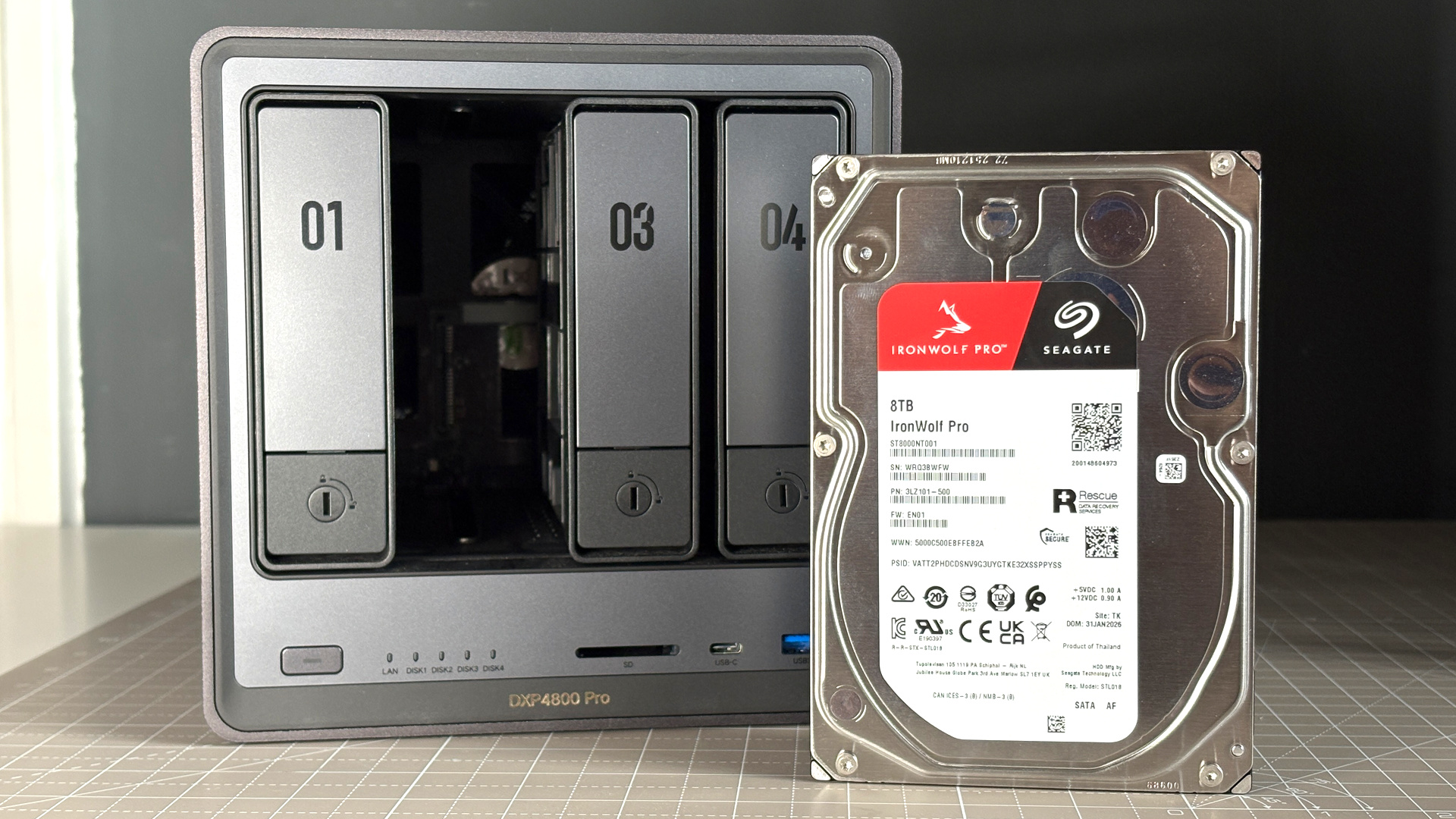
This Plus model comes with an Intel Pentium Gold chip with five cores. That's generally plenty for running any of the apps included with Ugreen's own UGOS Pro operating system, such as photo management or video streaming, but if you're a heavy Docker user, then you might want to upgrade to the Pro model below. That's the model I have, though admittedly I'm probably underutilising its Core i3 chip even with a bunch of Docker apps running.
Docker is an application that lets you run other applications in little self-contained environments. You can set up and run all sorts of things from within Docker, using code mostly provided by GitHub, in my experience. I've got Docker apps for scraping the web, running my own media server, private VPNs and more on my machine.
If you want to hear more about the possibilities for a NAS, I wrote up my thoughts after tinkering with one for the first time. Since then, I've almost entirely cut Google out of my life—thank goodness for that.
👉Shop all of Amazon's Prime Day deals here👈
The PC Gamer Circuit Breaker newsletter breaks down the latest PC gaming tech, and finds you the best deals on the best products
Jacob has been writing about PC hardware and technology for over eight years. He earned his first byline at PCGamesN before joining PC Gamer. He spends most of his time building PCs, running benchmarks, and trying his best to learn Linux.